Advertisement
Click to download now, finish the installation quickly, and directly unlock the all-round experience
Advertisement
Screenshots
Click to download now, finish the installation quickly, and directly unlock the all-round experience
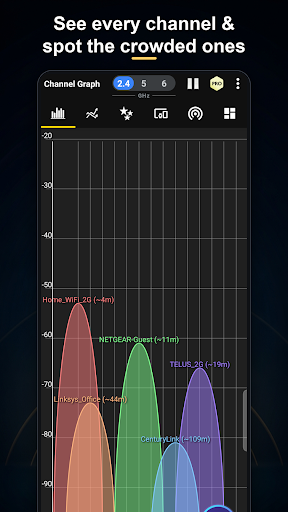
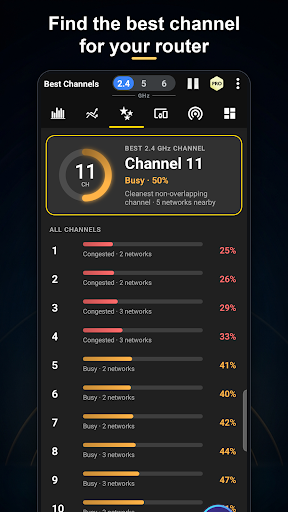
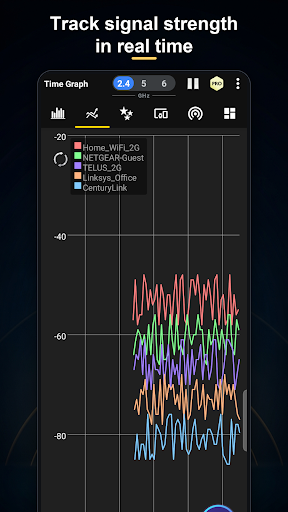
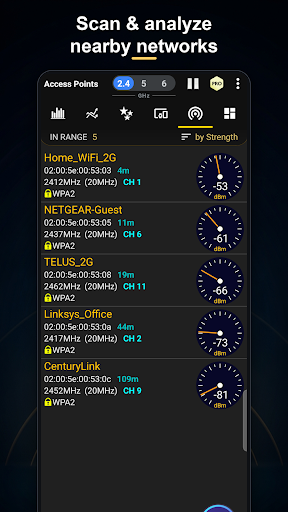
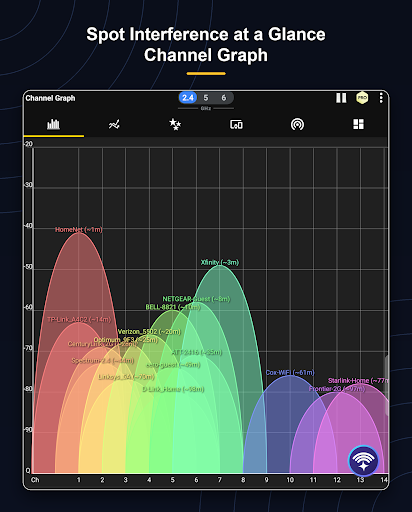
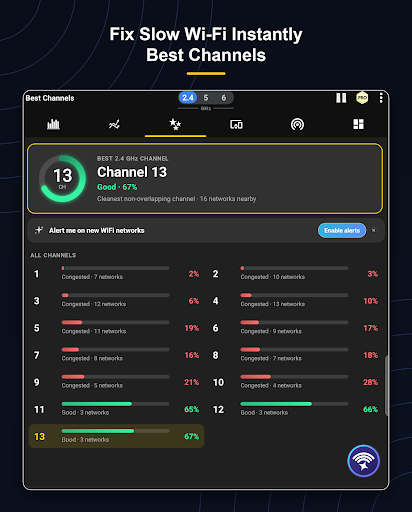
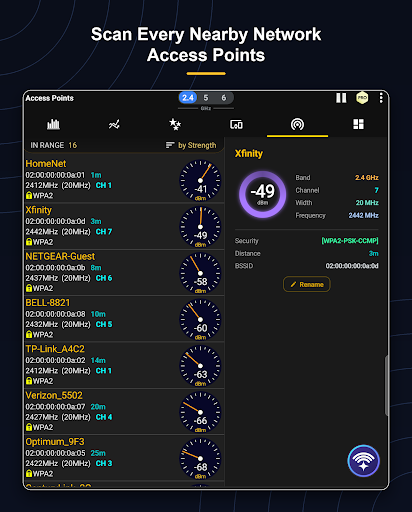
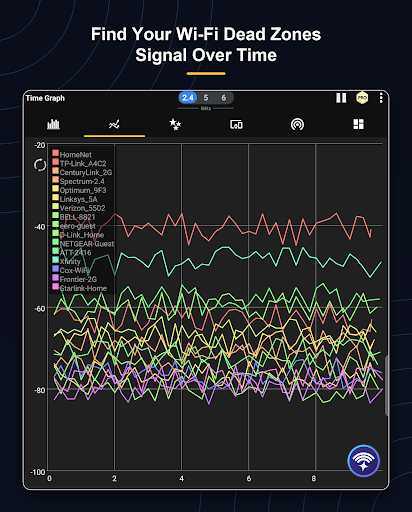
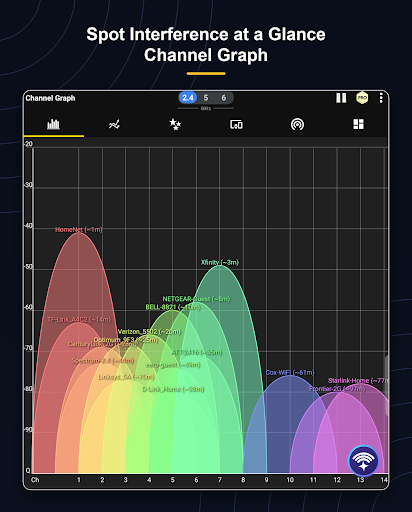
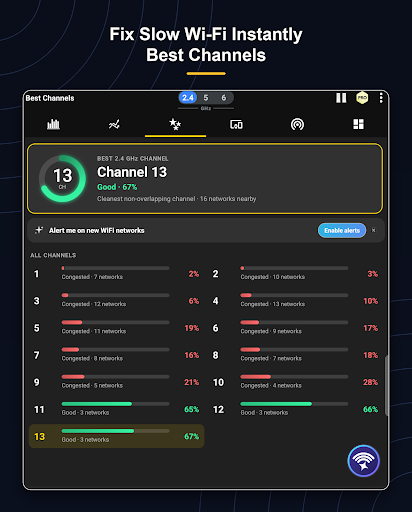
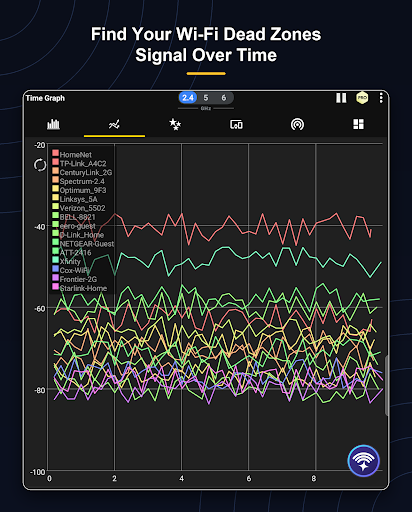
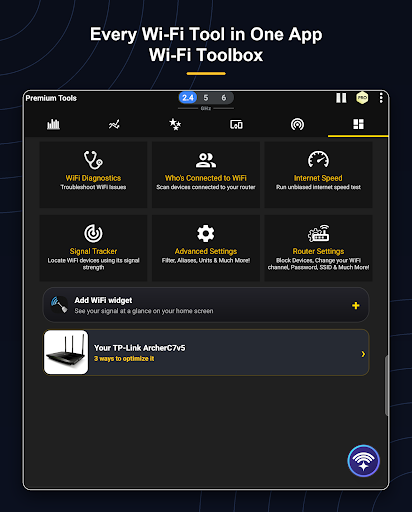
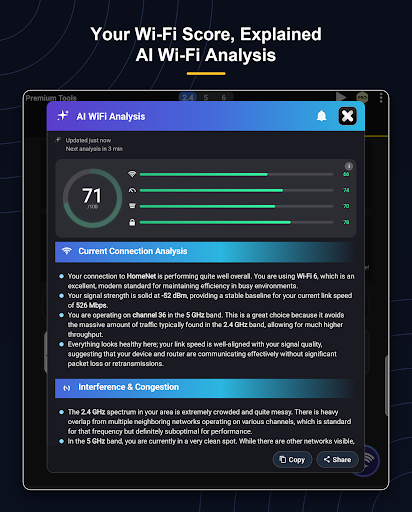
WiFi Analyzer turns an Android phone into a set of tools for checking wireless networks. It suits people trying to work out why a connection is weak, where coverage drops, or whether nearby networks are crowding the same channel. It can compare channel use across the 2.4, 5 and 6 GHz bands, show signal strength over time, and suggest a less crowded channel.
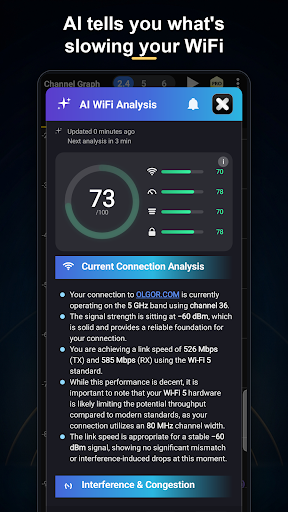
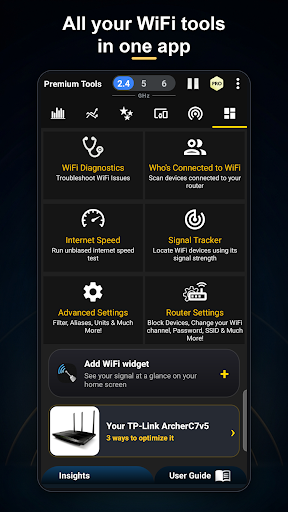
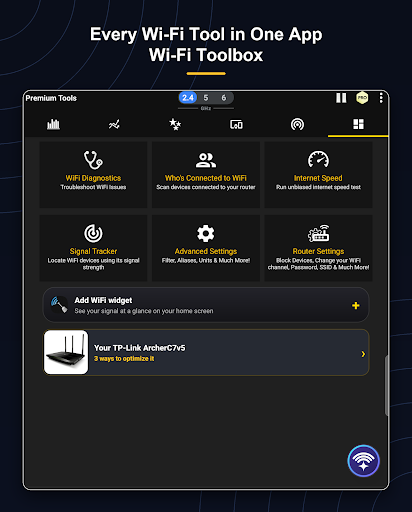
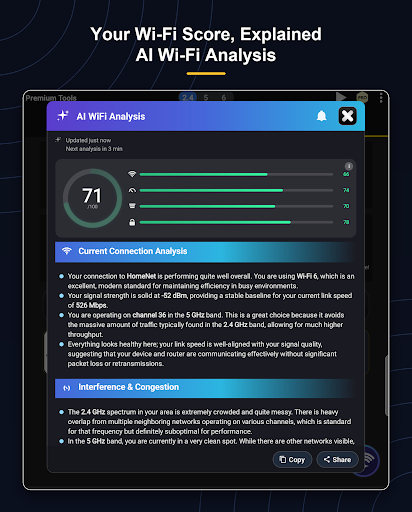
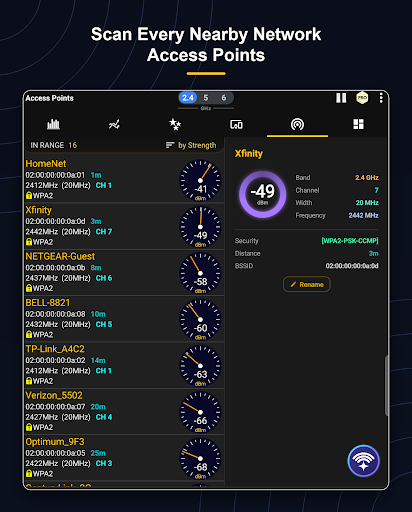
Signal graphs and channel overlap can help you decide whether to move a router or change its settings. The app can also estimate distance to the router, but treat that as a placement clue rather than a precise measurement. Its analysis points to possible improvements; it does not make your Wi-Fi faster by itself. Changing router settings, including blocking a device, is still something to do through the router.
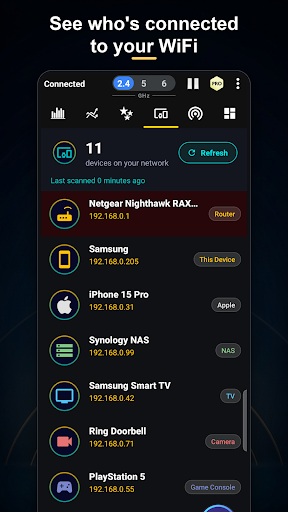
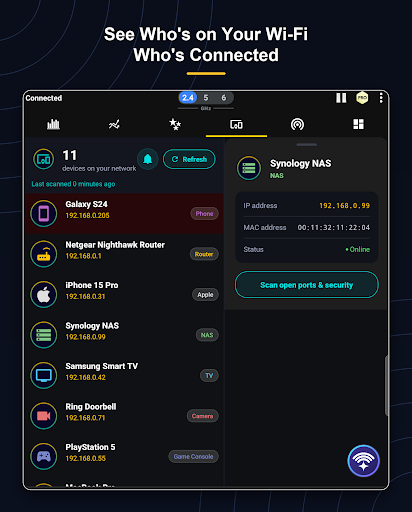
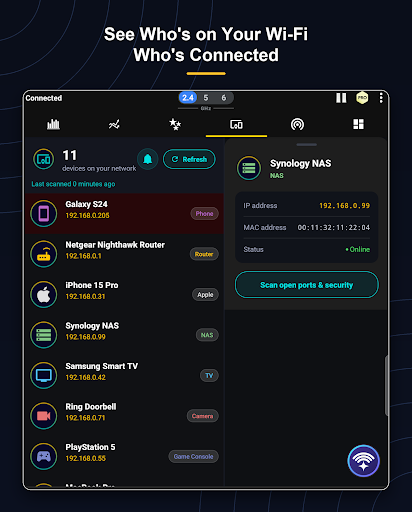
The app also scans devices connected to your network, showing details such as IP address, manufacturer or device name when available. It can flag a newly seen device and check open ports on your own network. That wider toolkit is handy for home troubleshooting, though the number of graphs, scan results and technical labels may feel like more than you need if you only want to check whether Wi-Fi is working.
WiFi Analyzer is published by olgor.com. Its 4.6 rating from about 306,000 reviews and 10 million-plus installs suggest it has found a large audience, but popularity cannot tell you whether its more technical approach fits your needs. The benefit is having several network checks in one place; the cost is spending time interpreting what they show and making any changes yourself.